Have a question?
✨ Festival season has started — plan your shopping ahead! ♥ / USA ✈ INFO
Updated v.2! The staff now separates into two independent sections (45 or 49 pixels each), features a gap-free illuminated design, and includes Wireless Synchronization and Automatic Image Stabilization as standard.

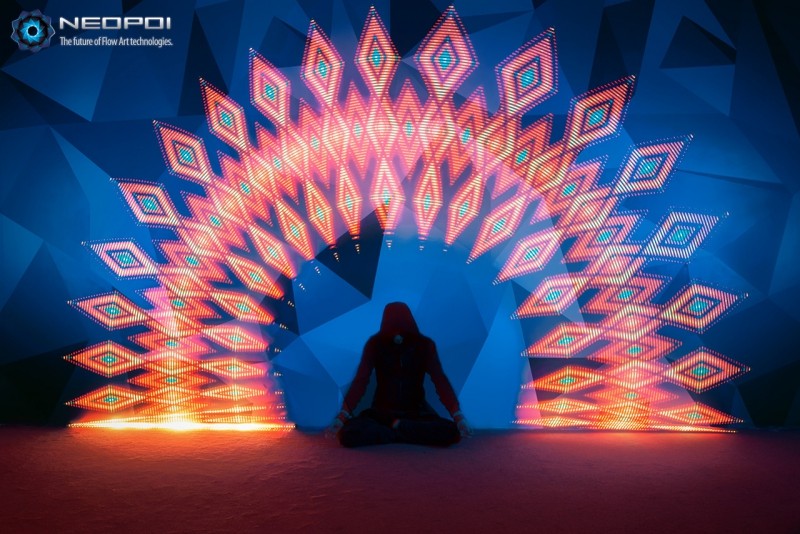
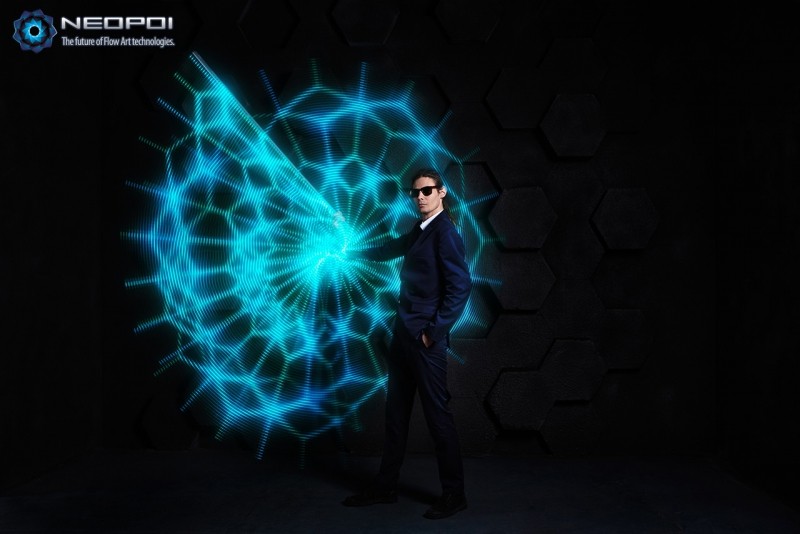
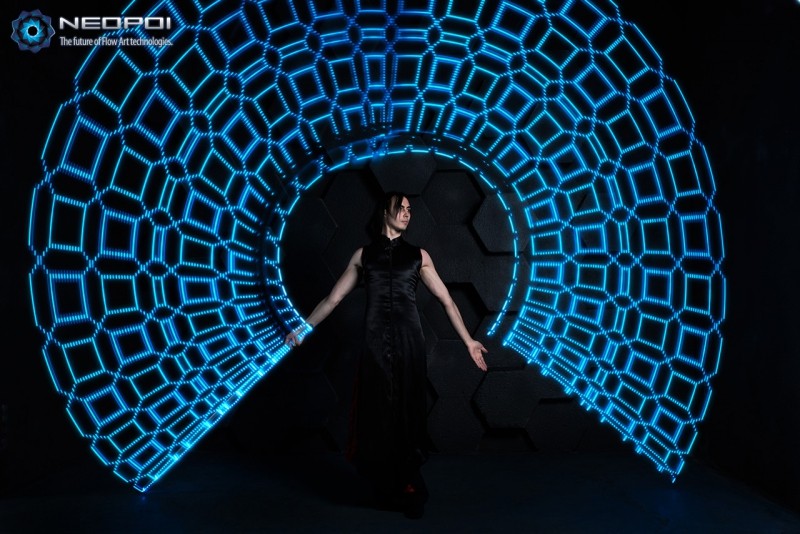
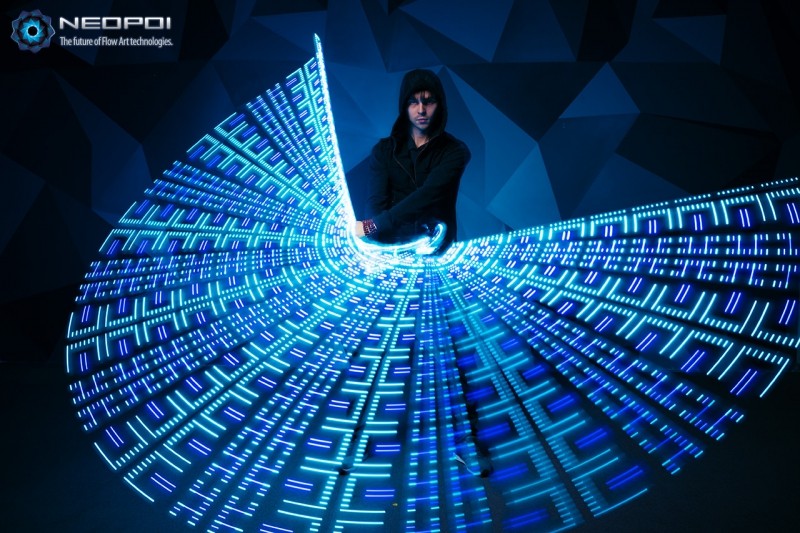
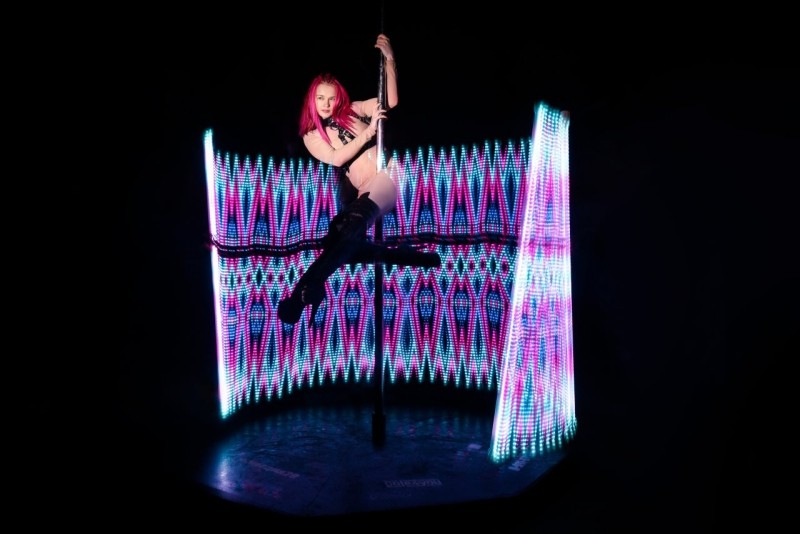
NeoStaff FX was created for performers who want maximum visual impact. With a continuous illuminated length of either 90 or 98 pixels across the entire staff and virtually no dark section in the center, it produces exceptionally long, seamless light trails that immediately stand out on stage.

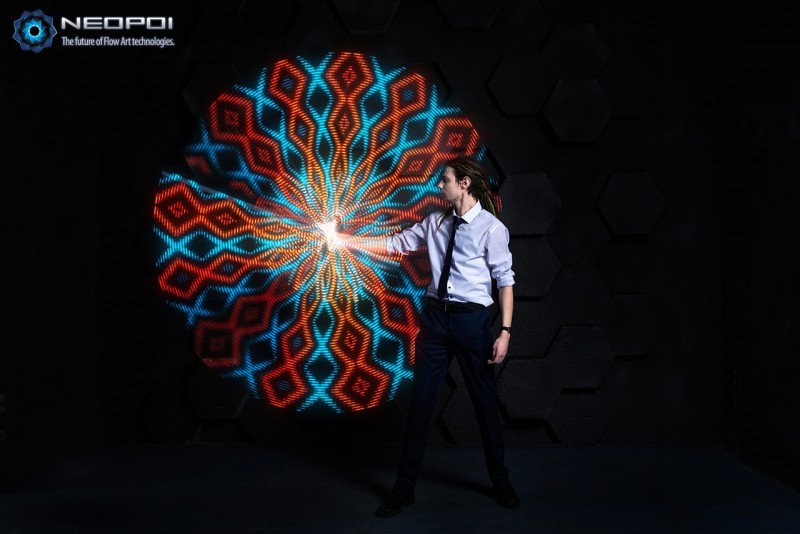
Fully programmable, NeoStaff FX allows you to display custom images, animated patterns, moving stripes, flashes, gradients, and many other dynamic visual effects. Available in 127 cm (50") or 140 cm (55") lengths, it is ideal for festivals, stage performances, and anyone looking to create unforgettable visual shows.

2-in-1 Design. Add the optional end caps and the staff quickly separates into two independent short double staffs, giving you even more creative possibilities from a single prop.

Please note: NeoStaff FX is designed primarily for visual performances rather than contact staff techniques. It does not feature a tacky contact grip or the weight distribution of a dedicated contact staff. Instead, every design decision focuses on creating the longest possible uninterrupted illuminated area, delivering spectacular visual effects while remaining lightweight, portable, and comfortable for general spinning.

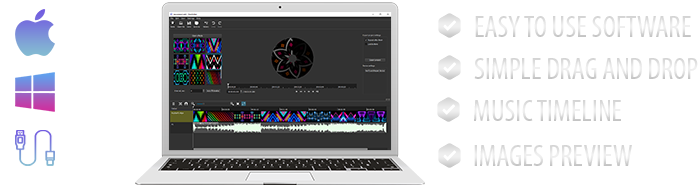
Fully programmable. Create and upload your own images, effects, patterns, gradients, playlists, and timelines using our free software for Windows and macOS.
  • DEMONSTRATION VIDEO
SPECIFICATIONS
  • Total staff length:127cm (50 inch) or 140cm (55 inch)
  • Resolution / Total LEDs:90px each side / 180 LEDs total or 98 / 196
  • Weight~400gr.
  • Rendering speed1000-4540 rows/seconds
  • Ready to use images70+ images
  • BatteryLi-Ion 2x1200mAh=2400mAh
  • Working time~ up to 8+ hours
  • Full charging time~2-3 hours
  • High-speed memoryup to 250+ images
  • Number of colors16,7 m.
  • Charge & data connectionMicroUSB cable
  • Tube with LEDsPolycarbonate, diameter - 25mm.
What you'll get:
  • Staff
  • Micro-USB cable & English manual
  • + High quality & High brightness
  • + Long working time & perfect balance
  • + Ready to use images & timelines
  • + Tech support & free firmware updates
UNIQUE FEATURES OF THE NEOPOI ENGINE
Wireless synchronization.
Wireless synchronization (optional feature)
A modern feature of props. If you have this feature you can synchronize with each other any props including 2 items in the kit (such as poi, fans...). + Any other types of NeoPoi props used in a show can be synchronized with another, which allows you to start the show simultaneously pressing only one button.
MORPHING.
Image stabilization feature (optional feature)
At that moment NeoPoi.Com presents the world's only props with developed technology and tracking systems of rotation speed. Your image will never be too "narrowed" or "stretched" if you spin too fast or too slow. Spin at any speed you want, the image won't become distorted.
NEO Smart Engine.
NEO Smart Engine.
This is a set of "smart" functions which provide steady operation of props. The engine consists of: the protection against hand-ups, auto control of the correct system's operation, detection and correction of mistakes, simple firmware update and much more.
Energy saving.
Energy saving.
The energy saving mode will help you to make the working time 3 times longer by one click! It's a very convenient function for long journeys as well as for photo and video shootings or performances in the dark when high light intensity isn't needed or isn't comfortable.
OTHER KEY POINTS AND FEATURES
Show programs and timing.
Show programs ( Timelines ) & Images preparing.
Create timelines with timing, enter the interval and the playback time. The repeat or switching off function will allow you to play the program once again or to put out the LEDs at the end of the show.
Images/Effects preparing. For images and effects editing, you don't need any special converting software. Connect the props to a computer like a USB drive and edit any image or show program with any editing program.
Realistic colors.
Realistic colors.
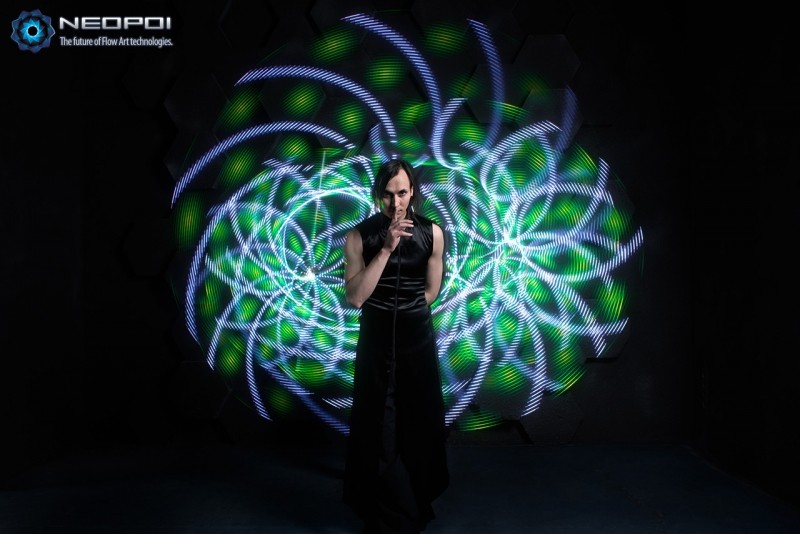
For the props we use exponential auto levels brightness correction. What does it mean? With the help of color correction, the image, in reality, looks almost the same as on the screen.
Dead zones.
NO GAP Design
Automation
Automation
The function of automatic show-programs preparation will help to create a show-program easily and quickly! You just put the images in a folder, turn the function on and the program will be prepared with an automatic mode switching (6 sec.), the auto-interval can be changed as you wish.
reviews
we're on instagram
NeoFlowArt
clients ♥ ♥ ♥